Introduction
Your website is one of the most important investments for your business. Whether you’re launching a new company, redesigning an existing website, or expanding your online presence, choosing the right WordPress developer can make the difference between a website that simply exists and one that generates real business results.
A professional WordPress developer doesn’t just build pages—they create fast, secure, responsive, and user-friendly websites that help your business grow. In this guide, you’ll learn what to look for, which questions to ask, and how to avoid common hiring mistakes.
Why Hiring the Right WordPress Developer Matters
A well-built website helps you:
- Build trust with potential customers
- Improve search engine visibility
- Deliver a better user experience
- Increase leads and conversions
- Save time and future maintenance costs
Choosing the wrong developer often leads to poor performance, security issues, and expensive redesigns.
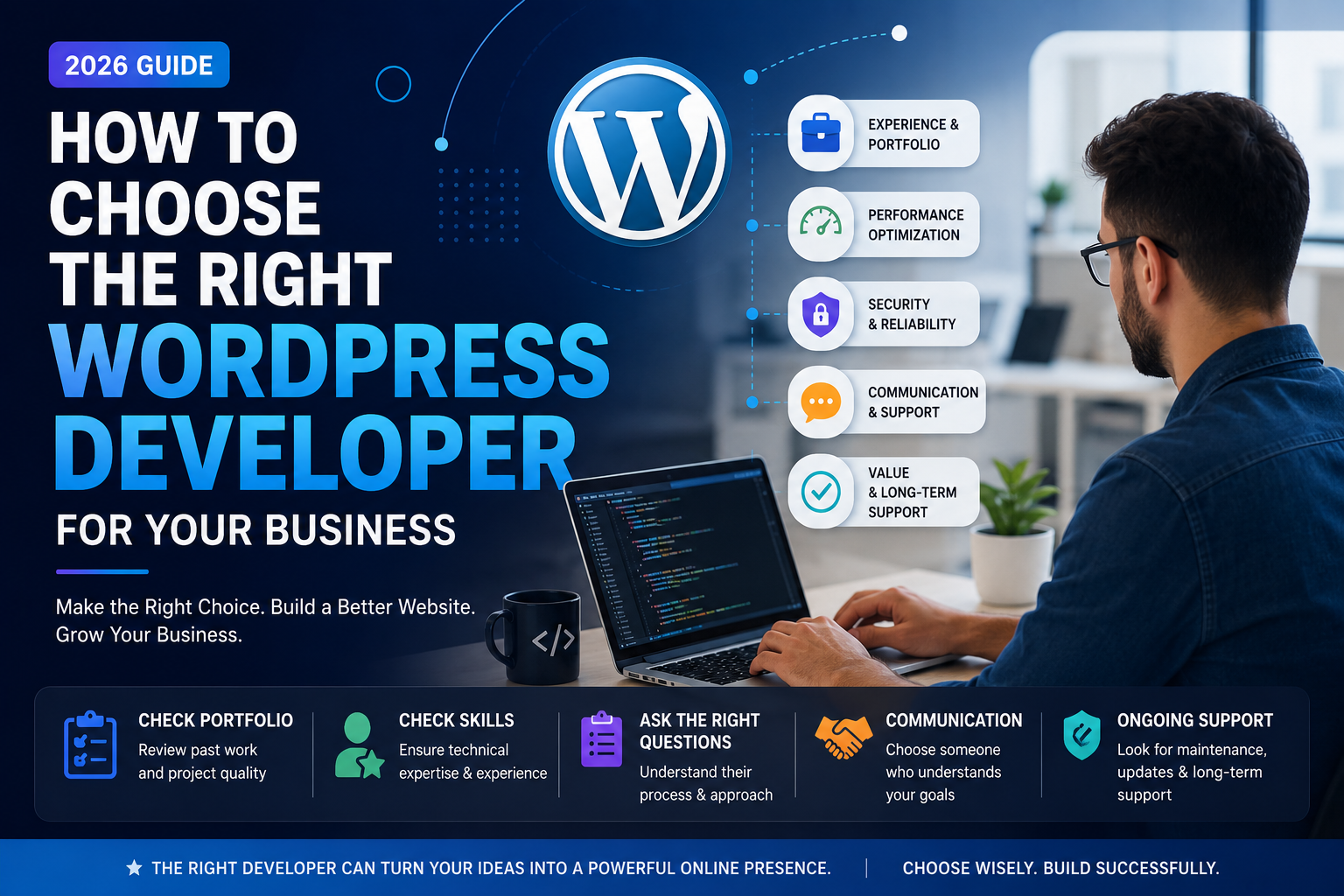
1. Review Their Portfolio
A portfolio is the quickest way to understand a developer’s capabilities.
Look for:
- Modern website designs
- Responsive layouts
- Fast-loading pages
- Different industries and project types
- Professional UI and UX
A strong portfolio shows consistency and attention to detail.
2. Check Their Technical Skills
Your developer should have experience with technologies such as:
- WordPress Development
- HTML5
- CSS3
- JavaScript
- Responsive Design
- Performance Optimization
- Basic SEO Best Practices
If your project requires custom functionality, ask about API integrations or custom development experience.
3. Ask About Website Performance
A beautiful website is valuable only if it performs well.
Discuss topics like:
- Page Speed Optimization
- Core Web Vitals
- Image Optimization
- Clean Code Practices
- Mobile Performance
A performance-focused website improves both user experience and SEO.
4. Understand Their Development Process
Professional developers follow a structured workflow.
A typical process includes:
- Requirement Discussion
- Planning & Wireframing
- Design
- Development
- Testing
- Launch
- Ongoing Support
A clear process helps avoid delays and misunderstandings.
5. Evaluate Communication
Successful projects rely on clear communication.
Choose someone who:
- Responds promptly
- Explains technical concepts clearly
- Shares regular project updates
- Welcomes feedback
- Sets realistic timelines
Good communication often matters as much as technical expertise.
6. Ask About Ongoing Support
Your website will need updates even after launch.
Ask whether they provide:
- Website Maintenance
- Security Updates
- Plugin Updates
- Bug Fixes
- Performance Monitoring
- Backup Management
Long-term support can save time and prevent future issues.
7. Read Client Reviews
Reviews provide valuable insight into a developer’s professionalism.
Look for comments about:
- Quality of work
- Communication
- Timely delivery
- Problem-solving
- Reliability
Consistent positive feedback is a strong sign of trust.
8. Compare Value, Not Just Price
The cheapest option isn’t always the best.
Instead, compare:
- Experience
- Portfolio Quality
- Services Included
- Communication
- Long-Term Support
- Overall Value
Investing in quality development usually delivers better long-term results.
Conclusion
Choosing the right WordPress developer is about more than technical skills. You’re selecting a long-term partner who will help represent your business online. By reviewing portfolios, asking the right questions, and focusing on quality, you can confidently choose a developer who delivers a website that supports your goals and grows with your business.