Introduction
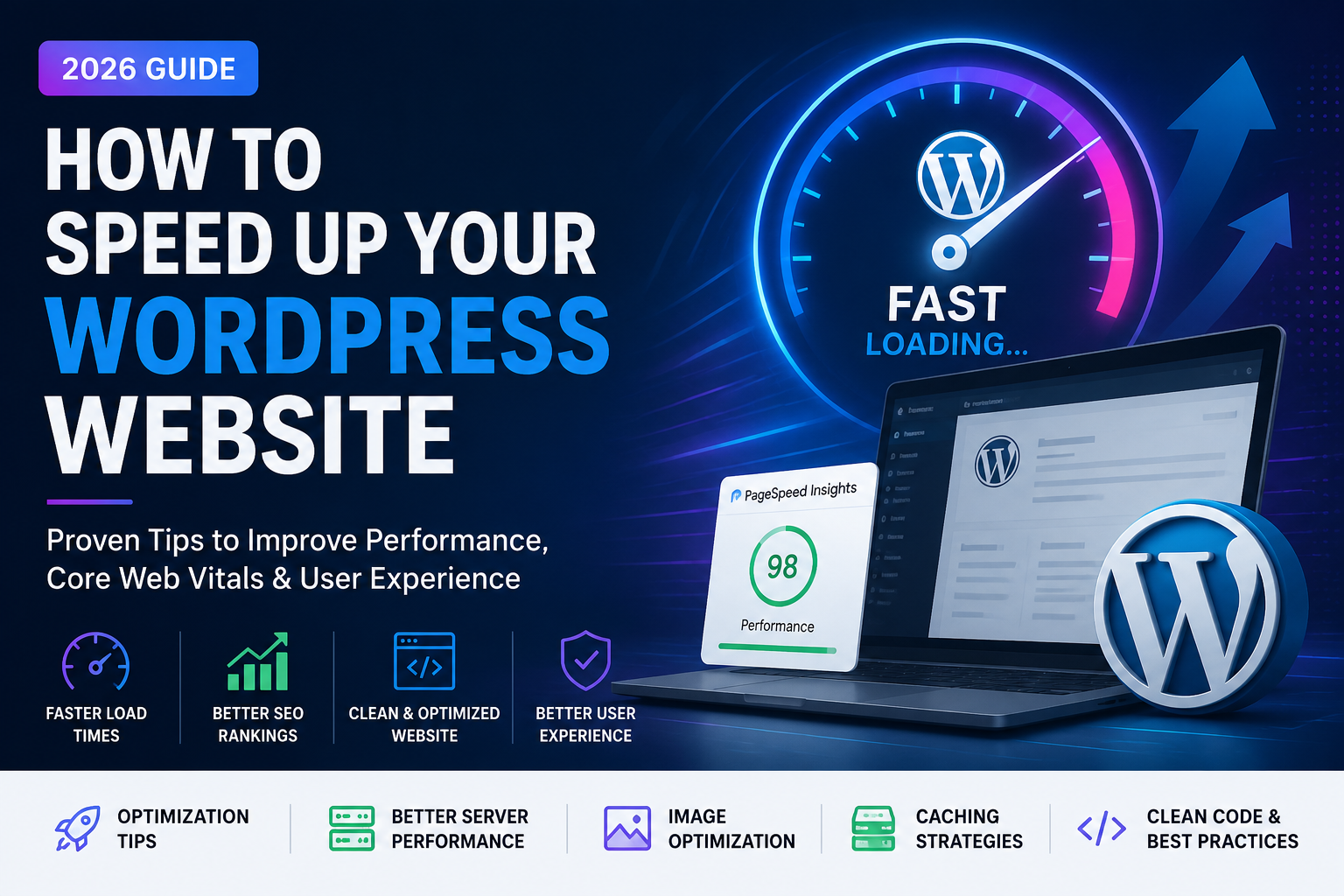
Website speed plays a major role in user experience, search engine rankings, and conversion rates. A slow-loading
website can frustrate visitors, increase bounce rates, and reduce sales or leads. Whether you run a business
website, portfolio, blog, or WooCommerce store, optimizing your WordPress website for speed should be one of your
top priorities.
In this guide, you’ll learn the most effective techniques to improve your website’s performance, boost Core Web
Vitals, and create a faster browsing experience for every visitor.
Why Website Speed Matters
A fast website is no longer just a nice feature—it’s an expectation. Visitors expect pages to load quickly, and
search engines reward websites that deliver a better user experience.
A faster WordPress website helps you:
- Improve user experience
- Increase search engine visibility
- Reduce bounce rates
- Generate more leads and sales
- Improve Core Web Vitals
- Build trust with visitors
1. Choose High-Quality Web Hosting
Your hosting provider is the foundation of your website’s performance. Even the best optimization techniques can’t
compensate for slow or overloaded hosting.
When selecting a hosting provider, look for:
- SSD or NVMe storage
- Latest PHP version
- HTTP/3 support
- Built-in caching
- CDN integration
- Daily backups
- Strong security features
Choosing reliable hosting can significantly improve loading times before any additional optimization.
2. Use a Lightweight WordPress Theme
Many themes include unnecessary animations, scripts, and features that slow down your website.
Choose a theme that focuses on:
- Clean code
- Fast performance
- Mobile responsiveness
- SEO-friendly structure
- Regular updates
A lightweight theme provides a better foundation for long-term performance.
3. Optimize Images Before Uploading
Large image files are one of the most common reasons websites load slowly.
Best practices include:
- Resize images before uploading
- Compress images without losing quality
- Use modern formats like WebP when possible
- Add descriptive file names
- Include proper alt text for accessibility and SEO
Optimized images improve loading speed while maintaining visual quality.
4. Enable Page Caching
Caching creates static versions of your pages, allowing visitors to load content much faster without generating every
page dynamically.
Benefits include:
- Faster page loading
- Lower server usage
- Better user experience
- Improved Core Web Vitals
Caching is one of the simplest and most effective ways to improve WordPress performance.
5. Minify CSS and JavaScript
Every website loads CSS and JavaScript files. Removing unnecessary spaces, comments, and unused code reduces file
sizes and speeds up loading.
Optimization includes:
- Minifying CSS
- Minifying JavaScript
- Removing unused CSS
- Deferring non-critical JavaScript
- Combining files where appropriate
Smaller assets mean faster page rendering.
Conclusion
Improving WordPress speed isn’t about applying a single optimization—it’s about combining multiple best practices. By choosing quality hosting, optimizing images, enabling caching, and reducing unnecessary code, you can create a website that loads faster, ranks better, and delivers a superior experience to every visitor.
A well-optimized website not only improves SEO but also builds trust, increases engagement, and supports long-term business growth.
Need a Faster WordPress Website?
If you’re looking to improve your website’s speed, performance, or overall user experience, I can help. From WordPress optimization to custom development and responsive web design, I build high-performance websites that are fast, secure, and optimized for growth.
Let’s create a website that performs as well as it looks.